Estimating your time on a new track isn’t easy: the wind, the heat, or simply an “off day” are impossible to predict.
Yet most of the time you can get a very reliable estimate from one key figure: your average speed on each gradient.
If you know you climb at an average of 10 km/h on an 8% gradient, all you need to do is apply that speed to every 8% stretch of your upcoming track. Add up the time for each segment and you have your total time.
Taken together, these figures are what Cyclograde calls a “speed profile”.
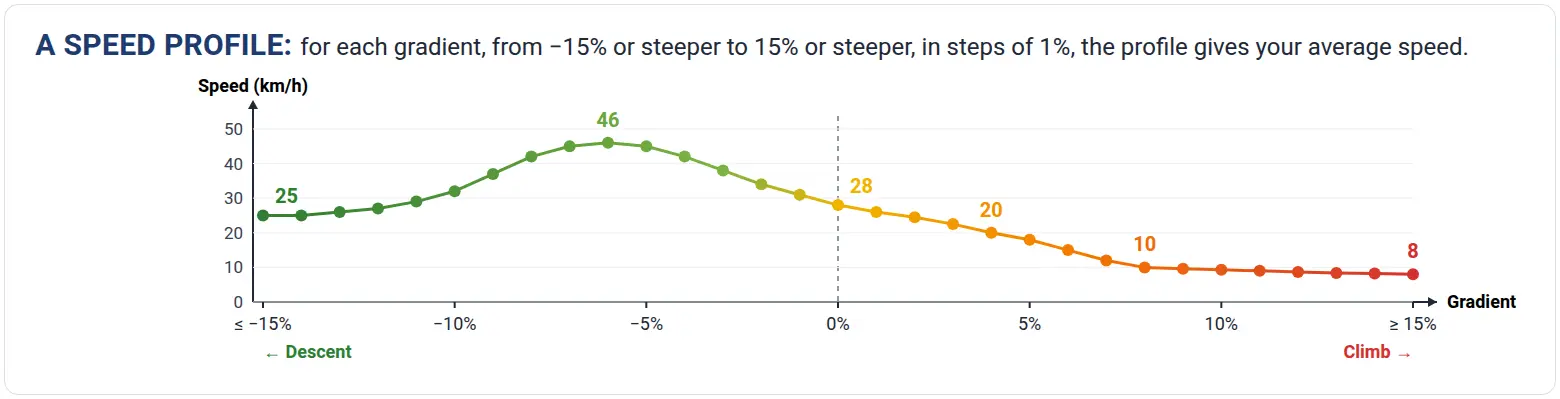
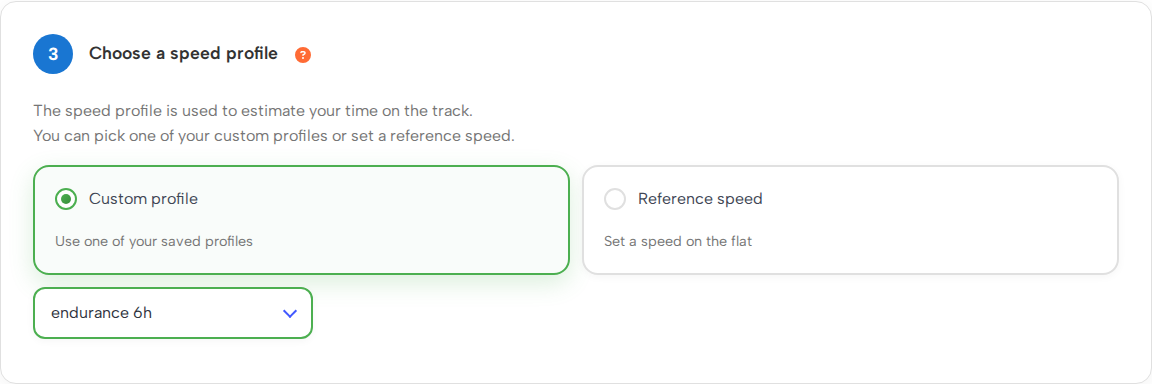
When you create a track, Cyclograde offers two methods to build this profile.
1. The “Reference speed” method
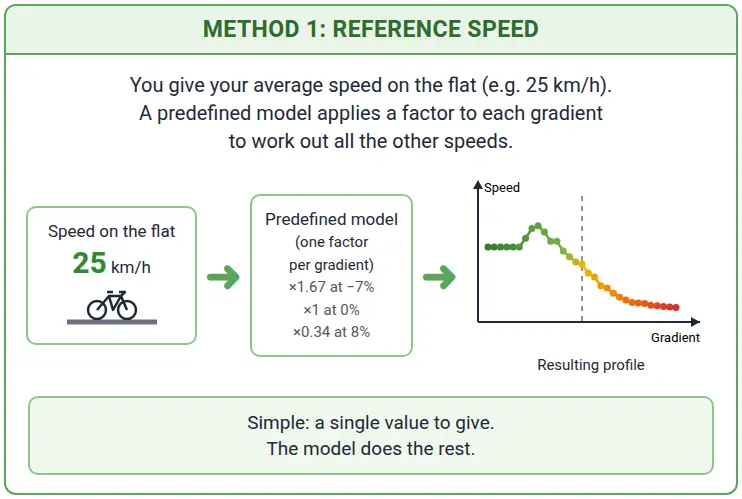
In Cyclograde, when you create a track, you enter your usual average speed on the flat, and the algorithm estimates the rest. It’s simple, but it remains a broad estimate.
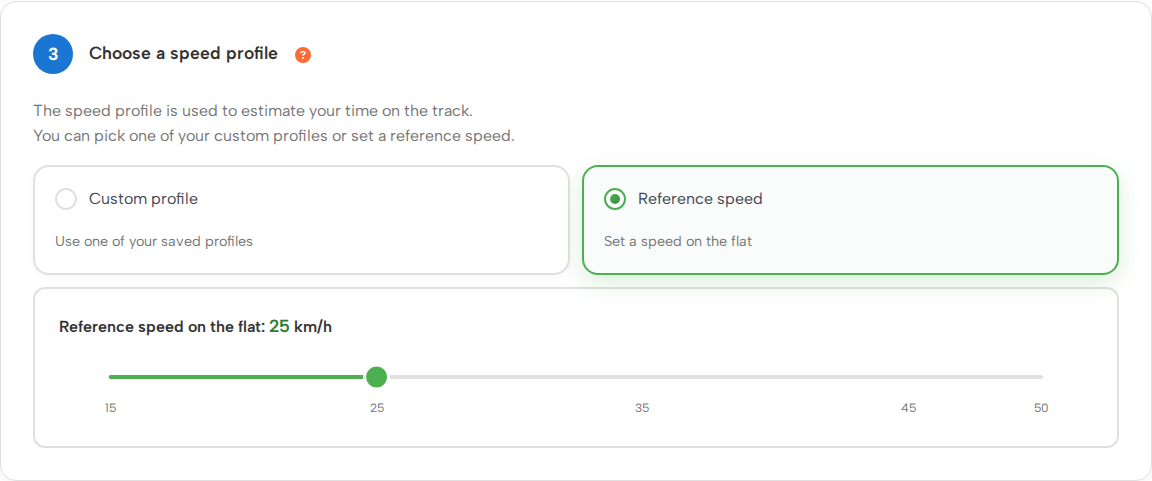
2. The “Custom profile” method
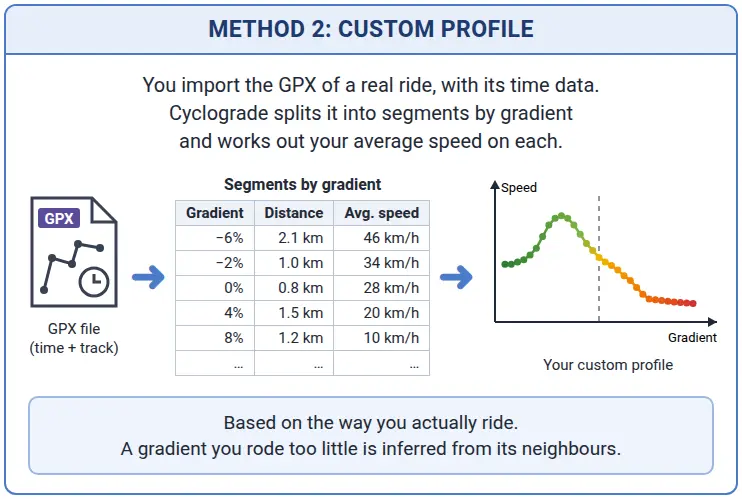
In Cyclograde, before creating a track, you add a speed profile by importing one of your recent GPX files (in the “Speeds” menu). The way you actually ride is analysed to build a profile tailored to you.
Note: the GPX file must contain time data (the record of a real ride), not just a route planned in advance, so that the speeds can be calculated.
In short
You have two options for estimating your ride time. I recommend the second method, with your own GPX files, because it is much more accurate.
Estimating your average speed on the flat isn’t easy. If you still want to use the first method and don’t know which value to choose, you can test it on a flat 5-minute stretch, without stopping and at a steady pace, to get a sound average.
You can also edit your custom profile if you think some of its speeds need correcting.
Enjoy the ride!